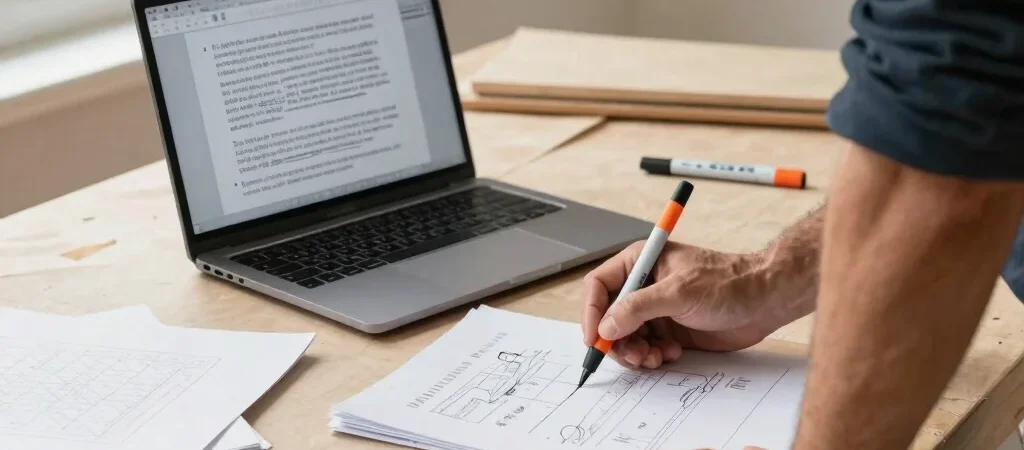
After a site visit, the notes may be little more than room dimensions, a parts reminder, and “check access.” That is enough to make quote writing feel like another job at the end of the day. AI can help organize those notes, but it should not decide what the work costs or what the customer has agreed to buy.
Start with bounded source material
Try the feature with a completed, ordinary job rather than an unusual project or a live customer record. Remove names, addresses, phone numbers, and other details the tool does not need. Give it the confirmed scope, your approved pricing inputs, and any known exclusions; label estimates and unknowns clearly.
Ask for a draft organized into work included, materials, assumptions, and items not included. Then compare every line with the source notes. If the draft invents a task, turns an assumption into a promise, or changes a measurement, treat that as a failed test—not as harmless wording.
Keep pricing with the operator
A fluent paragraph is not a cost calculation. Verify labor hours, material quantities, travel or disposal charges, taxes, and any minimums against the rules your business actually uses. Have the person responsible for pricing approve the final amount and scope before the quote leaves your system.
Measure time and correction
Compare the time it takes to write a quote from scratch with the time spent reviewing and correcting an AI draft. Test several familiar job types, including one with a clear exclusion or a common add-on. If the draft saves typing but creates extra scope checks, that tradeoff belongs in your decision.
When Toolbelt Tech links to a tool, some links may be affiliate links that earn us a commission at no extra cost to you. We still recommend checking the tool’s data settings and testing its output against your own quote process before relying on it.