
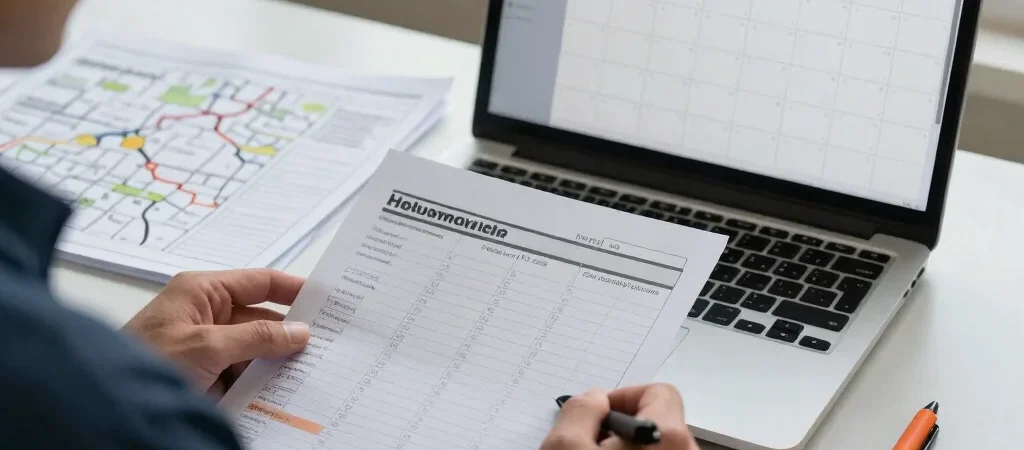
A scheduling demo often starts with an empty calendar and a convenient example job. Your day probably starts with a customer who needs a morning window, a job that runs long, and a technician who cannot be in two places at once. Test software with that kind of day before you spend time moving your whole schedule into it.
Bring a real day to the demo
Choose a typical day from last week and write down the jobs, promised arrival windows, assigned workers, and any equipment or skill requirements. Add one realistic complication, such as a job running late or a customer asking to move their appointment. This gives you a practical test without using sensitive customer details.
Ask the vendor to show how a dispatcher changes the schedule and how that change reaches the field. Check whether the tool tracks travel time, recurring visits, and worker availability—or whether you still need a separate map, calendar, or text thread. A clean-looking calendar is not proof that the routing problem is solved.
Watch what happens after changes
Move one appointment and see what the customer and technician actually receive. Look for a clear arrival window, the right job details, and a way to avoid notifying the wrong person. If the software only updates the office calendar, someone may still need to make calls or send messages by hand.
Run a small pilot first
Before importing every customer and job, try the tool with one dispatcher and a small group of workers for a week. Note setup time, missed notifications, duplicate entry, and how often the team has to work around the schedule. Those observations are more useful than a feature checklist when deciding whether to expand.
If Toolbelt Tech links to software in this guide, some links may be affiliate links and could earn us a commission at no extra cost to you. That does not change the workflow checks or limitations discussed here.